
online.natis.gov.za booking online applications
This information involves the National Traffic Information System, NaTIS online booking login Portal: online.natis.gov.za. It also contains the organization’s contact address and the official website. Kindly check below for more details.
The Road Traffic Management Corporation has enabled the online booking Portal for the general public that drives a vehicle in South Africa to register, make and re bookings. This service is to provide convenience to the public to:
- Register Profile online and capture their contact details to receive electronic communication from NaTIS. By registering a profile online vehicle owners will be able to obtain their motor vehicle renewal notice (MVL2) two months prior to the expiry date of the vehicle license before going to nearest NaTIS service centre (Post Office or Registering Authority) to renew their license.
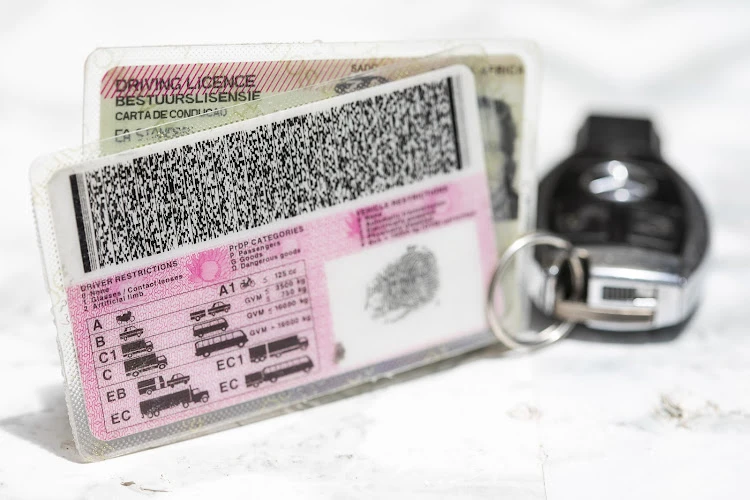
- Make Bookings to apply for Learner Licence, Driving License and/or Professional Driving Permits, without having to visit Traffic Departments (we have everything online e.g NaTIS Online Booking Gauteng Dapartment) not having the guarantee of being assisted after standing in long queues.
- Report Motor Vehicle Crashes that just occurred, by using the smart devices without having to queue on the call to report the incidents to South Africa Police Services, Insurances or Emergency Rescuers.
This service is for any member of the South African public with a valid South African identity document, foreign identity document, Traffic Register Number (TRN) or Business Register Number (BRN) who would like to register their profile online and obtain their vehicle renewal notices, make an online booking or report motor vehicle crash.
HOW TO ACCESS THE NATIS ONLINE BOOKING PORTAL TO LOGIN OR REGISTER
NaTIS Registration Process
In order to use the NaTIS website and services, you need to complete a registration process to obtain your own unique login name and password.
- Open a browser and go to https://online.natis.gov.za to access the home page. Click on “REGISTER” in the top MENU. You need to select your identity and then click on “Next” to proceed.
- Complete all the required information and click on “Register”. This will send the captured data to the Road Traffic Information System for verification.
- When you receive the activation message via your preferred method of contact, click on the link provided to activate your account.
- Use the username and temporary password provided in the email or SMS to log in to your new NaTIS account.
- After your first login, the system will prompt you to change your password.
How to Login To NATIS ONLINE BOOKING PORTAL as an Existing User
- Open your internet browser e.g. Internet Explorer, Chrome, Firefox, etc.
- Go to NaTIS Online Portal to perform any of the services NaTIS has to offer
Forgotten your Password?
- To reset your password, fill in your registered email address and reset your password by clicking forgot password on the login page.
NATIS ONLINE BOOKING PORTAL
- NaTIS Login Portal: https://online.natis.gov.za/
ROAD TRAFFIC MANAGEMENT CORPORATION CONTACT ADDRESS
- Email: [email protected]